
# Setting Mini-Program Screen Orientation
# 1. Effect Preview
# 2. Scope of Support
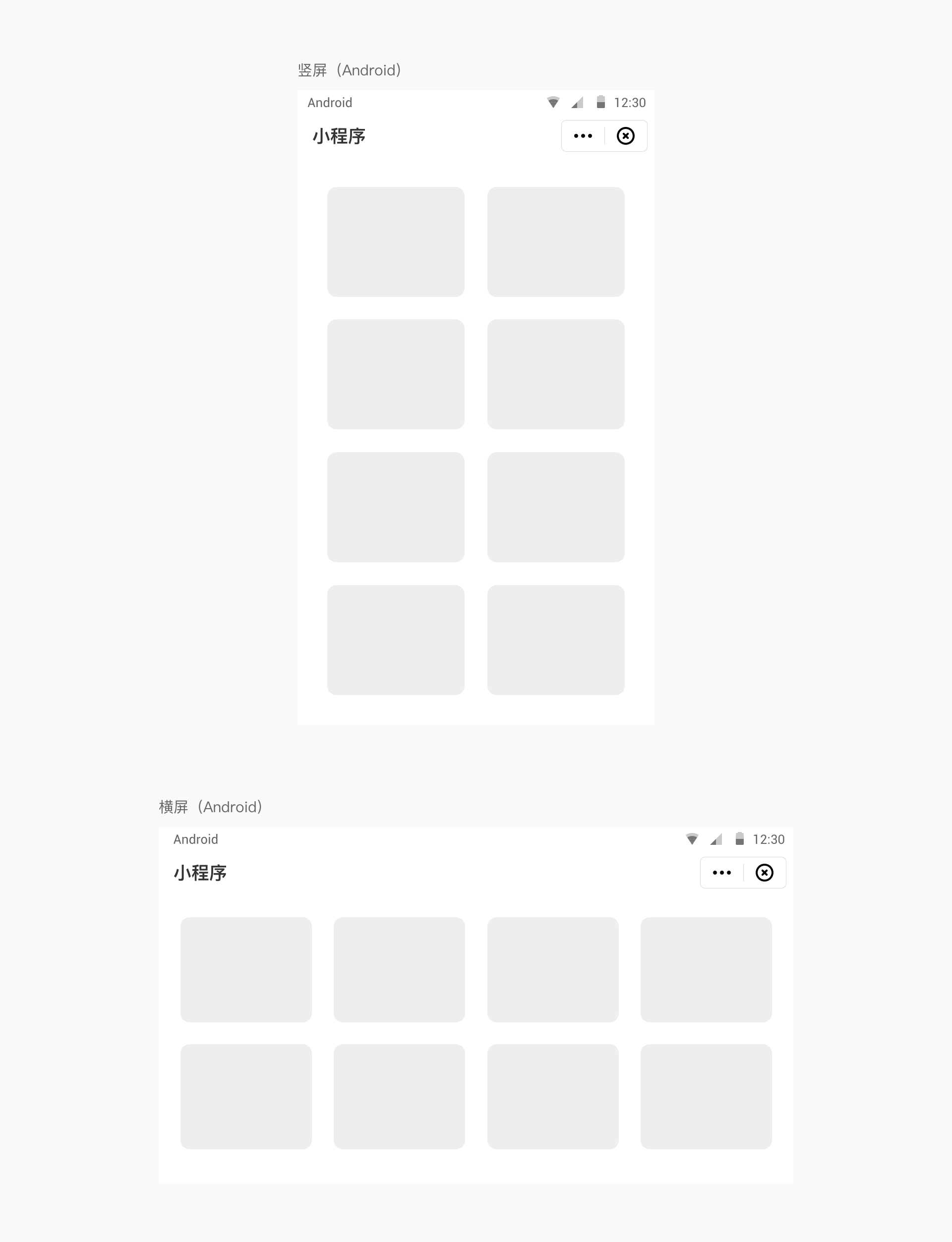
Supports landscape, portrait, and free switching between landscape and portrait orientations. This setting can be specified by the Mini-Program itself. When the relevant code is included in the Mini-Program's app.json file, screen orientation switching can be achieved.
# 3. Configuration Method
The screen orientation setting for the Mini-Program can be globally configured in the window object of the Mini-Program project's app.json file, or it can be configured separately in the .json file of each page.
- Global configuration in
app.json:
{
	"window": {
		"pageOrientation": "auto" // auto: free switching between landscape and portrait, portrait: portrait, landscape: landscape
	}
}
- Separate configuration in the page's
.jsonfile:
{
	"pageOrientation": "auto" // auto: free switching between landscape and portrait, portrait: portrait, landscape: landscape
}
- The page configuration will override the same configuration in the
windowobject ofapp.jsonfor the current page.