# Common Issues with Base Library
If you encounter the following errors, you can perform self-troubleshooting based on this FAQ.
# 1. Issue Manifestations
Issue Manifestation 1: Code Error
result:0---error:Error Domain=FATDomain Code=0 "Base Library download failed" UserInfo={NSLocalizedDescription=Base Library download failed}
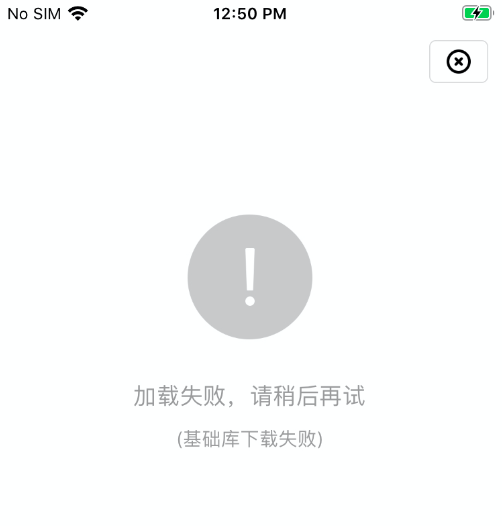
Issue Manifestation 2: Error when opening Mini-Program
# 2. Troubleshooting
# 2.1 Use SDK Version Compatible with Base Library Version
Check the correspondence between SDK versions and Base Library versions on the SDK-Base Library Version Comparison Table page. When using an SDK that exceeds the Base Library version, the above error message will appear.
The solution is to upgrade/downgrade to the corresponding version of the Mini-Program SDK.
- Scenario One
If the Base Library version is 1.3.8, the corresponding iOS SDK version is 2.1.23. Versions lower than 2.1.23 cannot obtain 1.3.8. Similarly, the corresponding Android SDK version is 2.1.38. Versions lower than 2.1.38 cannot obtain the 1.3.8 Base Library; - Scenario Two
If SDK version 2.1.23 supports Base Library versions 1.3.8, 1.3.9, and 1.4.0, then the Base Library obtained by this SDK will be the highest version, 1.4.0;
# 2.2 Publish Base Library Compatible with Current SDK Version
Please Note
For private deployment or community edition customers, you can resolve the error by uploading a Base Library compatible with the current version in the Operation Center. You can contact the corresponding sales manager or customer service personnel to obtain the latest Base Library file.
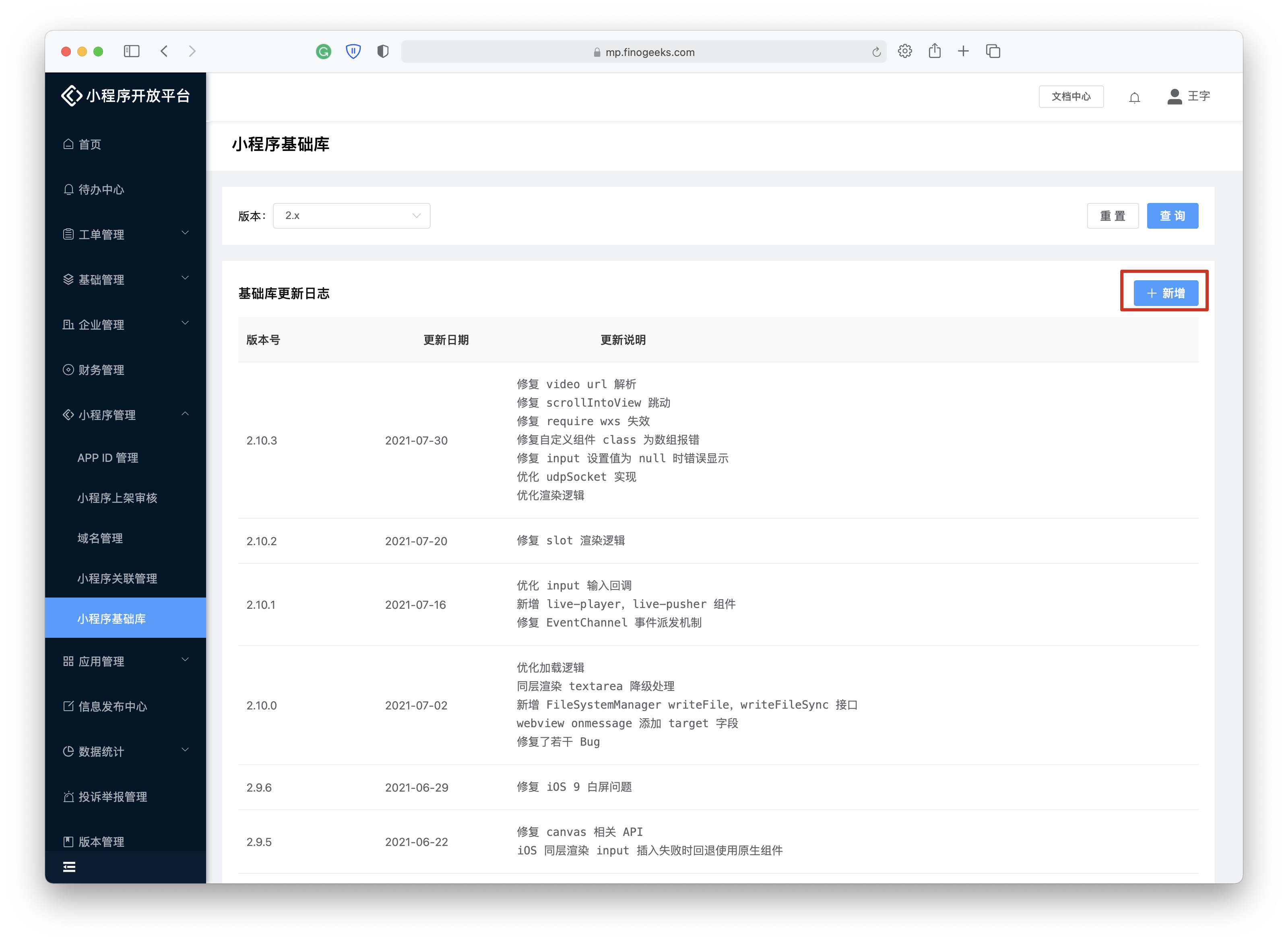
The upload location for the Base Library is: Operation Center -> Mini-Program Management -> Mini-Program Base Library
Base Library package versions can be viewed in the Base Library Update Log