# Frequently Asked Questions About Low-Code Mini-Program Development
During the Mini-Program development process, you can utilize the following third-party low-code tools to more easily complete Mini-Program code development.
# 1. Code.fun
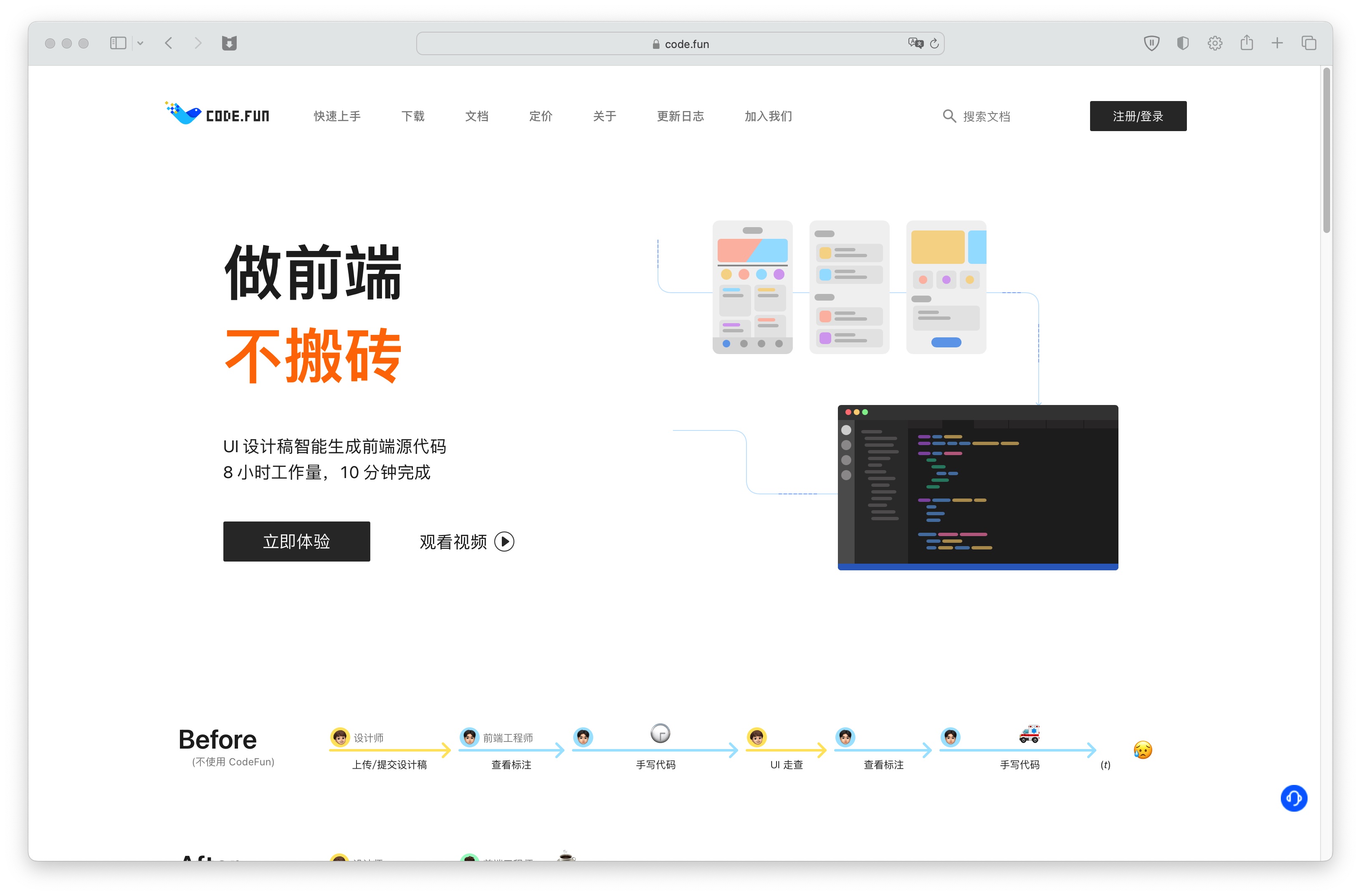
Code.fun is an excellent low-code development tool that can intelligently generate front-end source code based on UI design drafts. You can experience it at https://code.fun/ (opens new window). After uploading your Mini-Program design draft to Code.fun, it can intelligently export the corresponding Mini-Program code (including HTML, CSS, JS, and global styles).
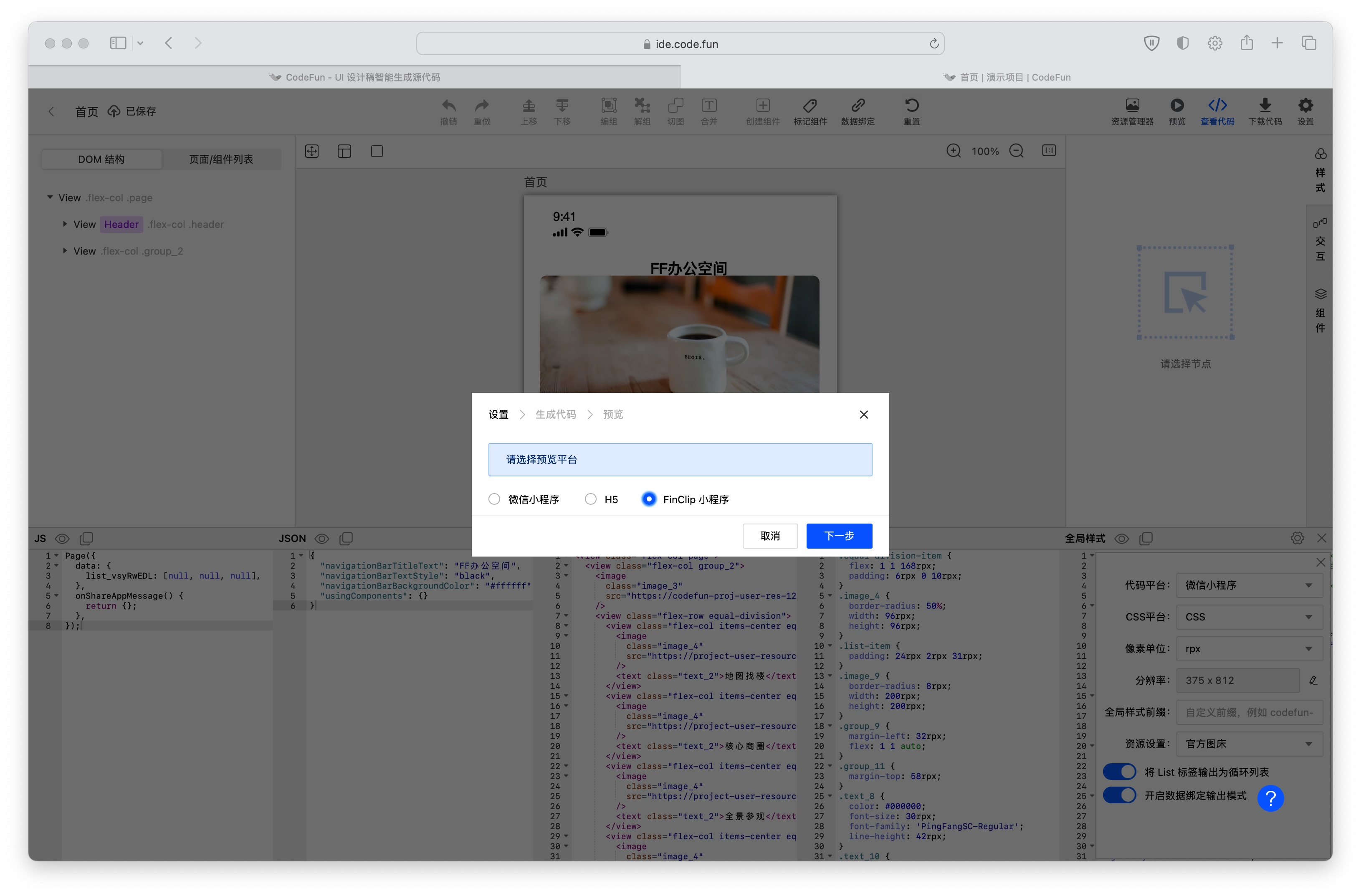
Code.fun already supports directly previewing the actual Mini-Program effects within FinClip. We welcome you to use it.
# 2. DIYGW Visual Tool
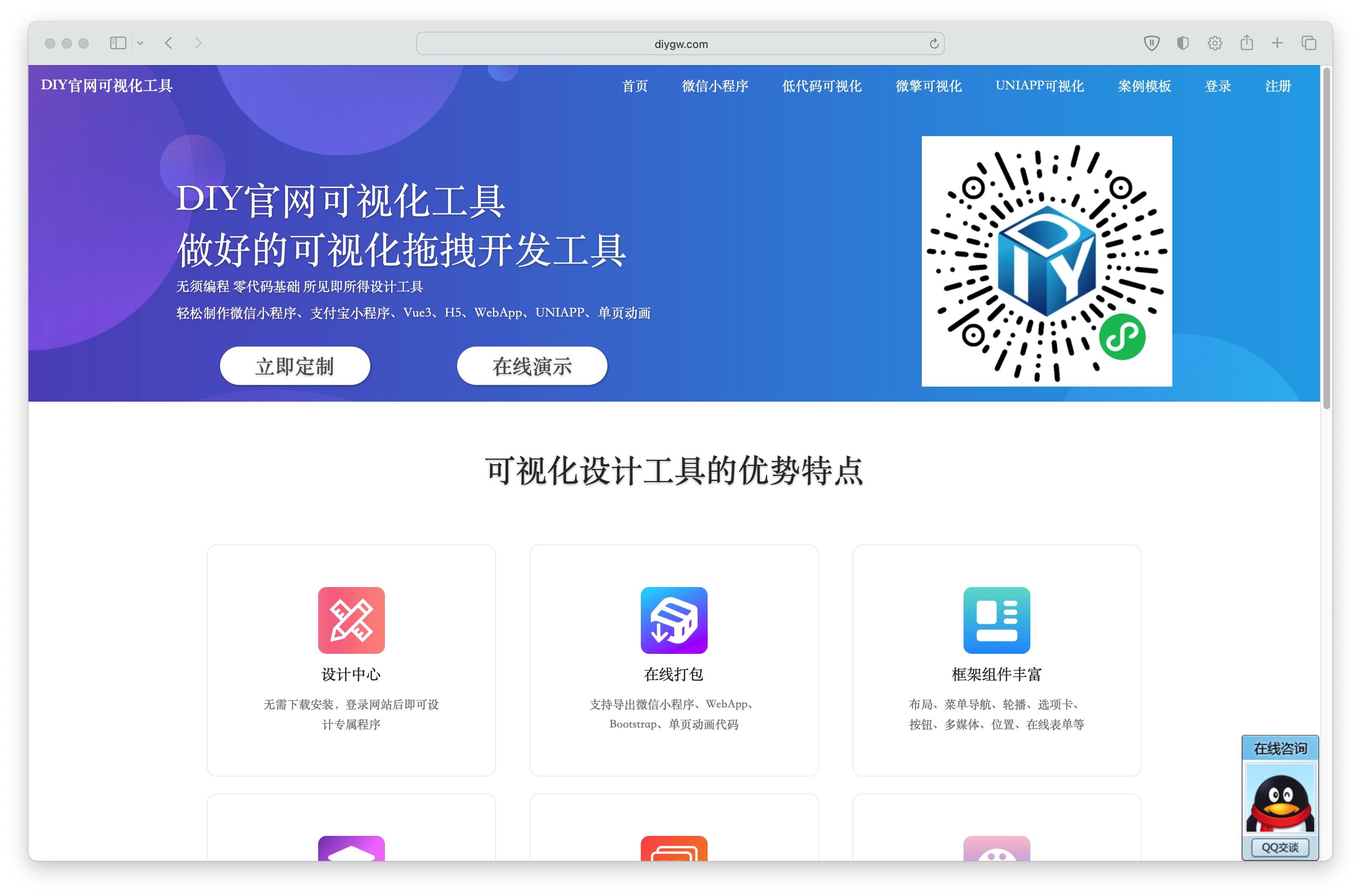
The DIYGW visual tool is a drag-and-drop development tool that allows you to quickly create Mini-Program code. It enables WYSIWYG (What You See Is What You Get) design and development of Mini-Programs through dragging and dropping components.
You can start experiencing and using it at https://www.diygw.com/ (opens new window).