
# FinClip App Introduction
# 1. Introduction
You can use FinClip App (also referred to as "FinClip App") to learn about FinClip's example Mini-Programs and feature introductions via this mobile application, and you can also preview and manage your Mini-Programs.
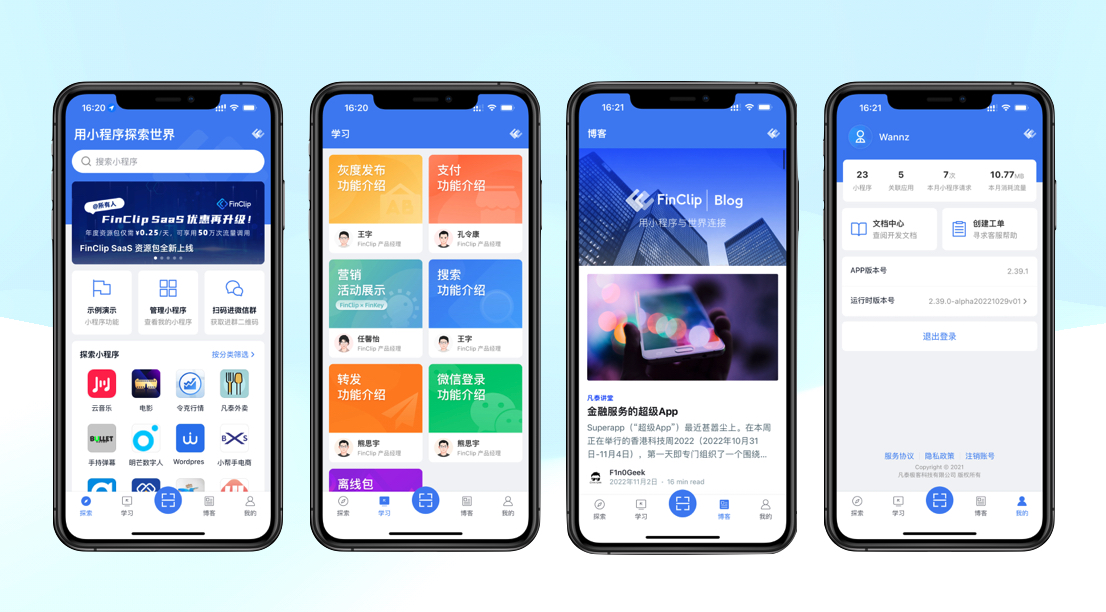 FinClip App primarily includes the following functions:
- View actual demonstrations of Mini-Programs in business scenarios via "Popular Mini-Programs";
- View actual demonstrations of official components and the practical usage of interface-type components via "Example Demonstrations";
- View introductions and demonstrations of Mini-Program-specific features via "Interactive Pages";
- View the status of all Mini-Programs under your account via "Manage Mini-Programs".
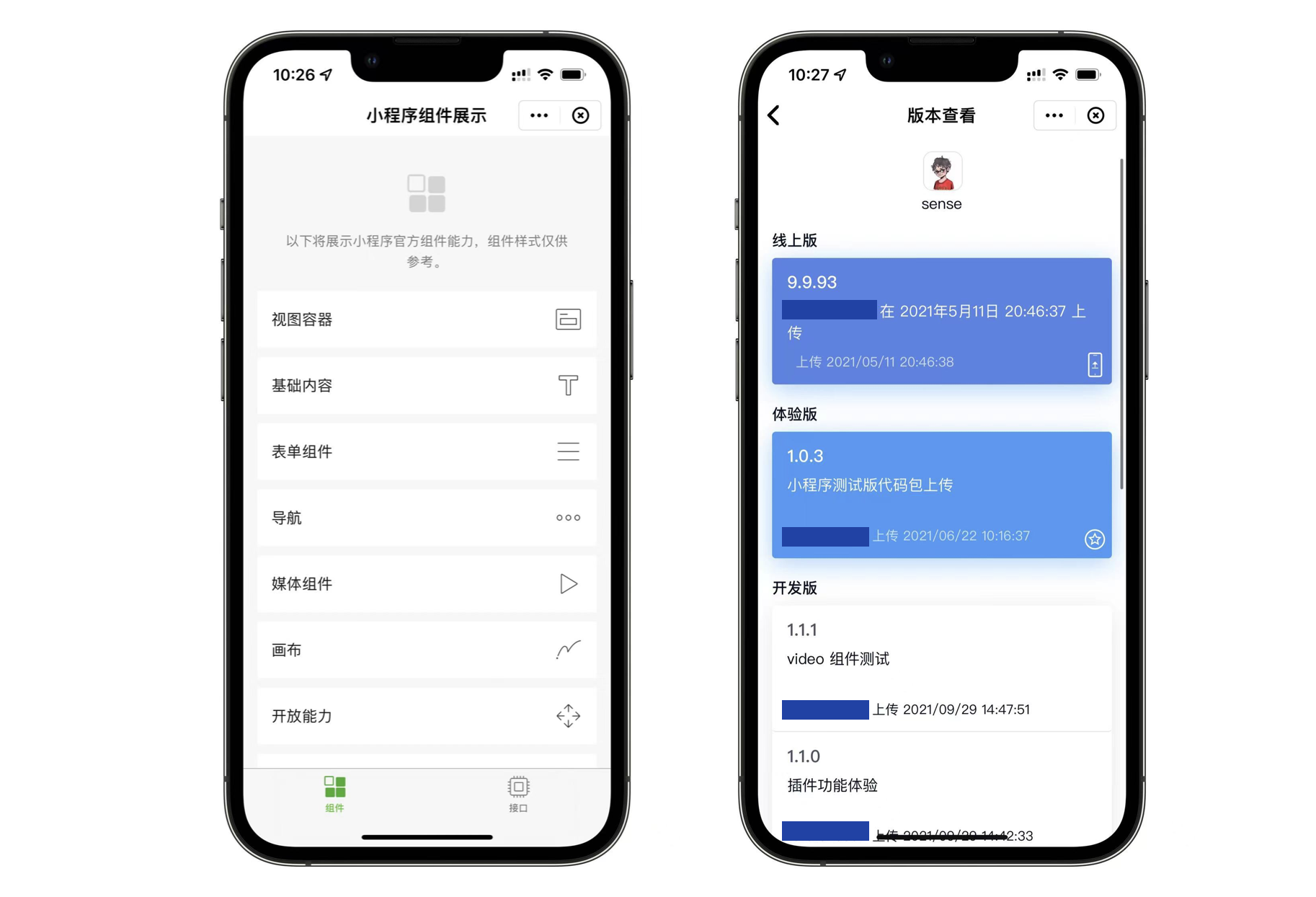
As shown in the figure above, these are the "FinClip Mini-Program Component Examples" and "Mini-Program Version Management View" respectively. Here you can learn in more detail about the Mini-Program features supported by FinClip, and check the version status of your own Mini-Programs.
To view the FinClip App user guide and login methods, please click here
# 2. Download
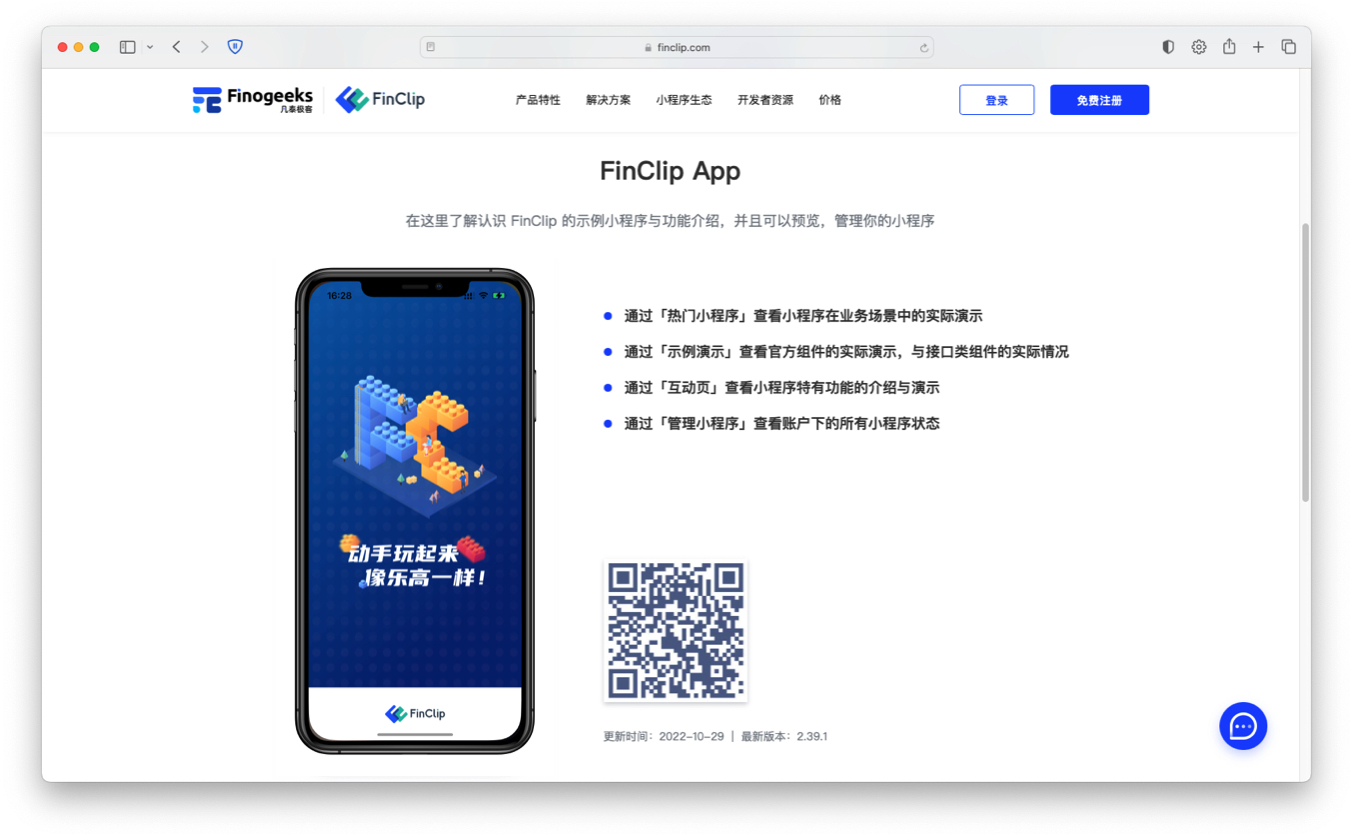
- iPhone users can directly search for "FinClip" in the App Store; the first result, "FinClip- FinClip App", is the application we need. Scanning the QR code in the image above to jump to the App Store will also allow you to get the app;
- Android users need to click "here (opens new window)" in their mobile browser, or use a "Scan" function to scan the QR code in the image above to download the corresponding version for the Android system. Alternatively, you can also obtain the corresponding mobile application from "Tencent MyApp" or "Google Play Store";